
-
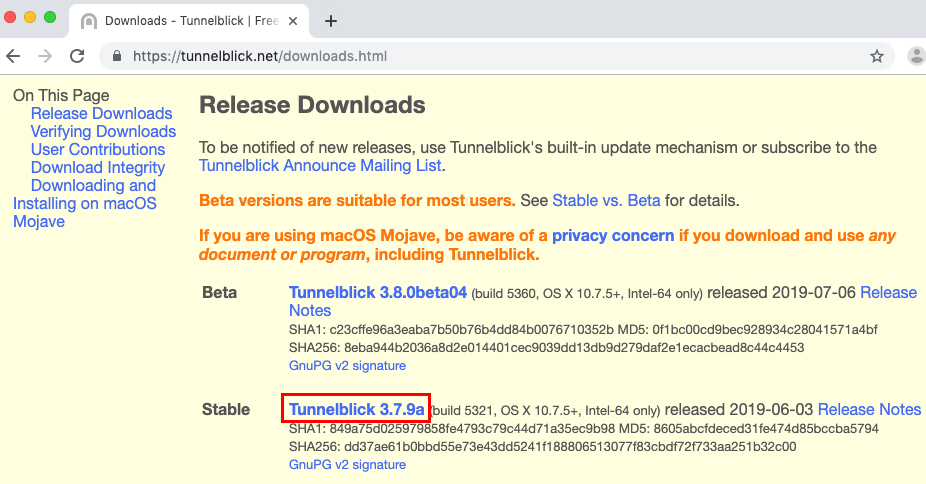
Download and install the latest Tunnelblick:
https://tunnelblick.net/downloads.html
-
Click "Open" when warned that it was downloaded from the internet
-
Click "Continue" on the Welcome window
-
If you have a password set on your computer, you may need to enter it in order to continue
-
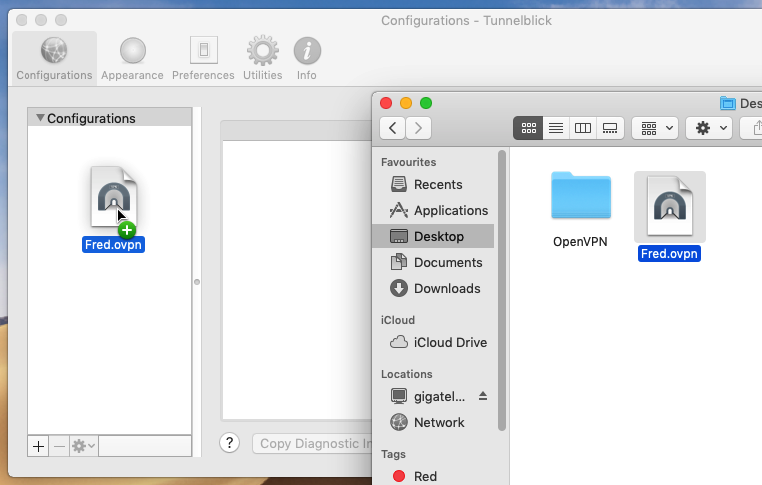
Navigate to the ovpn file provided (e.g. yourName.something.ovpn) and drag on to Tunnelblick
-
Click "Only Me" when asked whether you wish to install for all users
-
You may need to enter the password for your Mac
-
Click "Connect" and then you should be connected to the VPN