
In this guide, you will find step-by-step instructions on how to set up remote support on Windows.
📘 Instructions
-
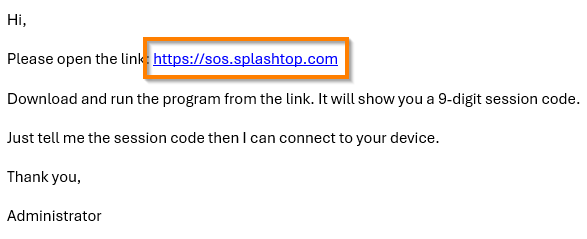
Open the link via the email you were sent
-
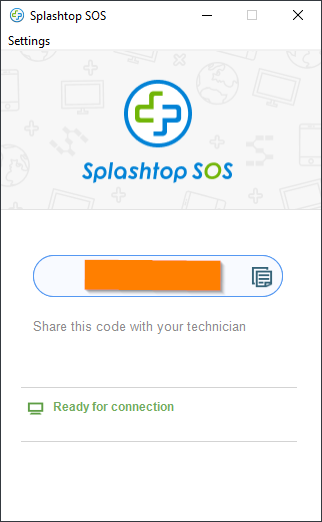
Save and open the program
-
On the program, you should have a 9 digit code that you can give to the technician to remotely access your device
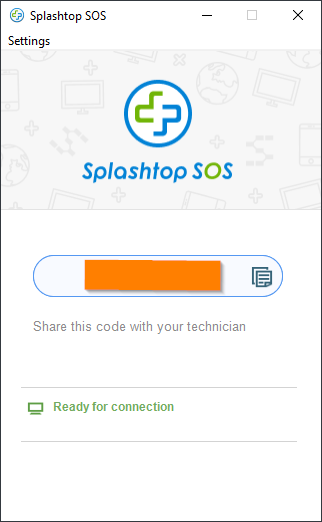
Once the session has been terminated, we will no longer have access to your device